Being GPU Poor makes you creative
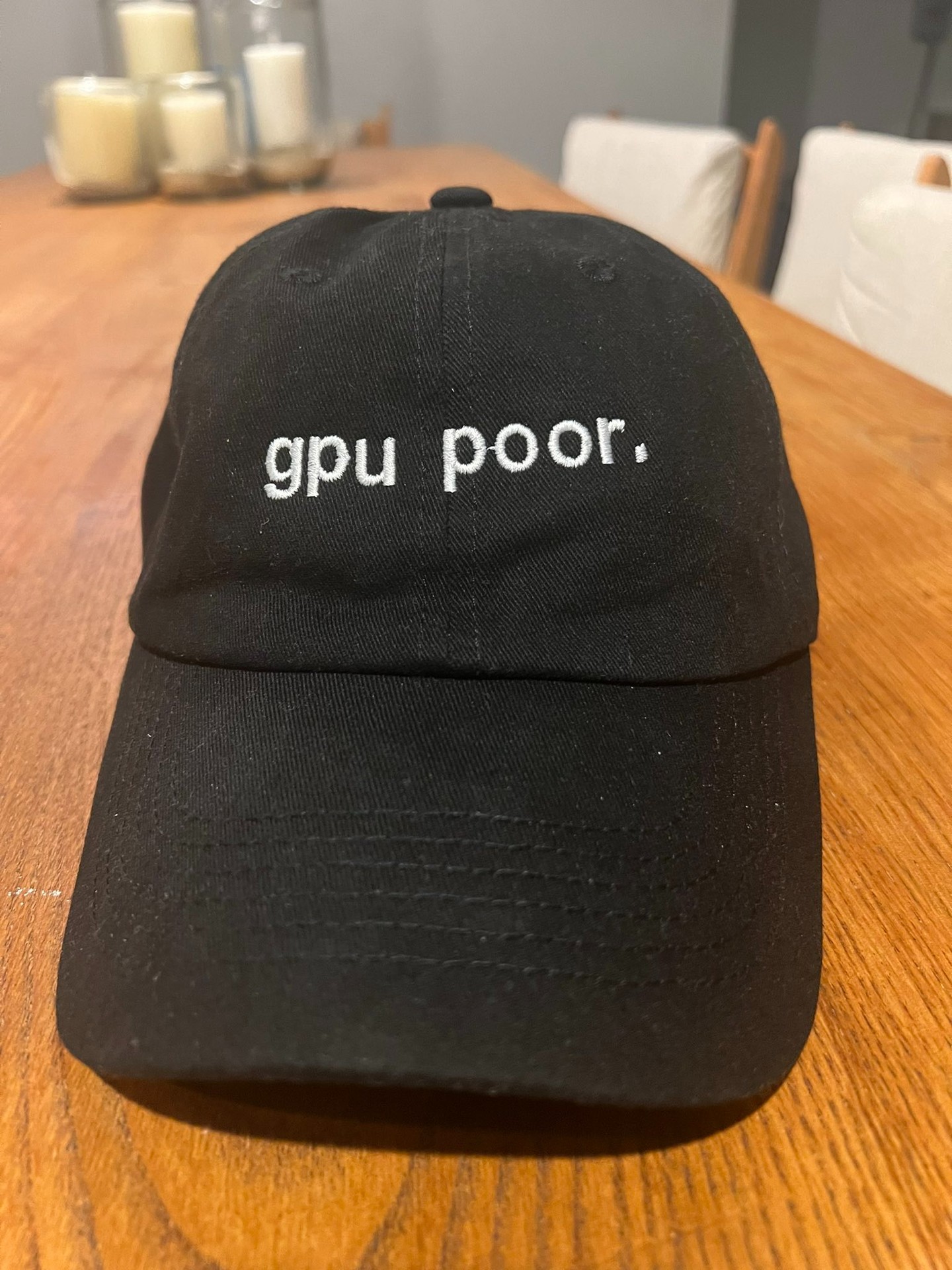
At the start of my sabbatical, I went from having access to compute at Apple to working on my MacBook. On my first visit to the Recurse Center hub in NYC, someone mentioned that there were a couple of GPUs available. I wanted to see whether I could put them to use alongside the laptop.
The machines didn’t have much in common. RC had two NVIDIA GeForce GTX TITAN X cards, while my M4 Max MacBook used Apple Silicon. They needed different runtimes and had different memory limits, so I needed a way to coordinate training without assuming every worker had the same hardware.
Ray came to mind because its actor model looked like a reasonable way to coordinate the workers.
The heterogeneous hardware problem
A mixed set of machines is a fairly ordinary situation when you’re using hardware that is already available. For this experiment, I had two kinds of workers:
- MacBook M4 Max, Apple Silicon with MPS (Metal Performance Shaders).
- RC machines, NVIDIA GeForce GTX TITAN X with CUDA. There were two of them, named Mercer and Crosby, because RC names its machines.
A training setup built around CUDA and NCCL doesn’t directly include an MPS worker. I used Ray to coordinate the workers as separate processes, with each one running its own local training code and sending updates to a parameter server.
How Ray makes this work
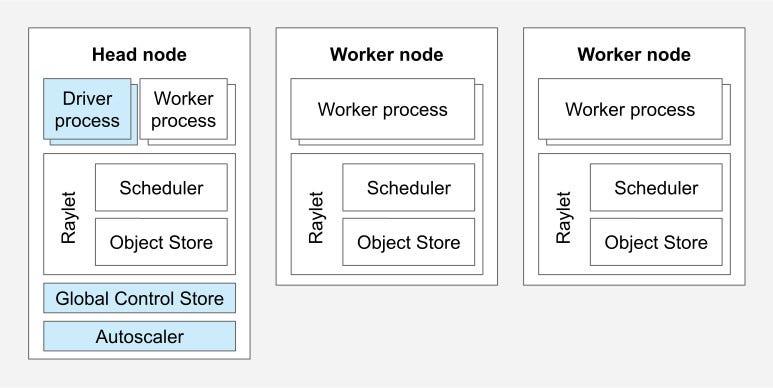
Ray gave me a common interface for creating workers and calling methods on them. The workers still needed to select the right device and exchange gradients in a form the parameter server could use.

The parameter-server setup worked like this:
- A central coordinator holds the model weights.
- Each worker runs on whatever hardware it has and computes gradients locally.
- Ray collects those gradients and sends them back to the coordinator.
- Ray’s scheduler decides what work goes where.
The training logic stays inside the actors, while Ray schedules and runs their work across the cluster.
The code
The @ray.remote decorator turns a Python class into a
Ray actor. Resource requests such as num_gpus=1 tell the
scheduler what a worker needs:
|
For the MacBook, I used a separate class that requested CPU resources and selected MPS inside the worker. In this setup, Ray wasn’t managing the Apple GPU as a GPU resource:
|
Requesting a GPU places the NVIDIA workers on machines with available GPU resources. A CPU request alone doesn’t identify the MacBook, though: other nodes can have spare CPUs too. A larger deployment would need an explicit placement rule or custom resource to ensure the MPS worker lands on the right machine. Ray’s resource documentation describes how those requests affect scheduling.
The parameter server
The parameter server keeps the shared model weights and applies the averaged gradients:
|
Each worker calculates gradients on its local device and returns them. The server averages the updates, applies an optimizer step, and makes the new weights available to the workers.
The training loop
The driver starts one training step on each worker, waits for the results, and passes their gradients to the server:
for iteration in range(training_iterations): |
The calls to train_step.remote start the work, and
ray.get(futures) waits for all the results. Ray handles the
communication between processes, so the driver doesn’t need to manage
connections to each worker itself.
What I learned
Running the model across these machines helped me see both the usefulness and the limits of this setup.
It actually works
All three machines contributed gradients to the same model:
- My MacBook M4 Max (using MPS).
- Mercer’s NVIDIA GeForce GTX TITAN X (using CUDA).
- Crosby’s NVIDIA GeForce GTX TITAN X (using CUDA).
That was enough to test the idea: CUDA and MPS workers could participate in one training loop through a shared parameter server.
Using the available machines
The setup let me use hardware that would otherwise have been idle, but adding a worker doesn’t always make training faster. This synchronous loop waits for the slowest worker, and sending gradients adds overhead. The useful comparison is total training time with and without each machine.
The parameter server pattern scales
A parameter server gives us a simple way to add workers, although its communication and aggregation work can become a bottleneck. Larger systems need to consider that cost as well as the workers’ compute. The Netflix example was useful context for thinking about heterogeneous workloads on Ray.
Recovering from failures
Ray provides options for restarting actors and retrying their tasks, but those options need to be configured. By default, a crashed actor is not restarted. Recovering a training run also requires restoring model and optimizer state; the short example here doesn’t do that. The actor fault-tolerance documentation explains the restart and retry settings.
Why this matters beyond a hobby project
Using several hardware types could be useful when the available machines have different costs or capabilities. The challenge is assigning work so that communication and slow workers don’t consume the benefit.
The H2 paper studies this at a much larger scale: over 1,000 chips and a 100-billion-parameter model. It reports up to 16.37% improvement over its homogeneous training baselines using a specialized communication layer and adaptive pipeline parallelism. That result depends on much more than simply adding different GPUs to a cluster.
Scaling to real models
My demo used a small network. Moving to larger models would require more attention to memory, communication, and data loading. Techniques such as gradient checkpointing and model sharding address memory, while Ray Data is one option for feeding distributed workers.
The DeepSpeed integration is another option for larger models on supported hardware. It would need a separate evaluation; the fact that the small parameter-server example works across CUDA and MPS doesn’t mean every distributed training backend will support the same combination.
The setup scripts
I wrote two small scripts to start and stop the RC machines’ Ray processes.
setup_cluster.sh:
|
teardown_cluster.sh:
|
Once the MacBook has joined the Ray cluster, the driver can connect and create its actors. For these few machines, the startup scripts were enough to avoid introducing another cluster-management system.
Building a small framework
I put the shared pieces into distributed-hetero-ml so I could reuse the setup for other models.
The framework takes a model factory, data loader, and training configuration. A training run looks like this:
from distributed_hetero_ml import DistributedTrainer, TrainingConfig |
It selects CUDA or MPS where available and uses the parameter-server setup to coordinate mixed workers. It also collects the checkpointing, cluster connection, and resource-management code in one place, while leaving access to the underlying Ray actors.
Next steps
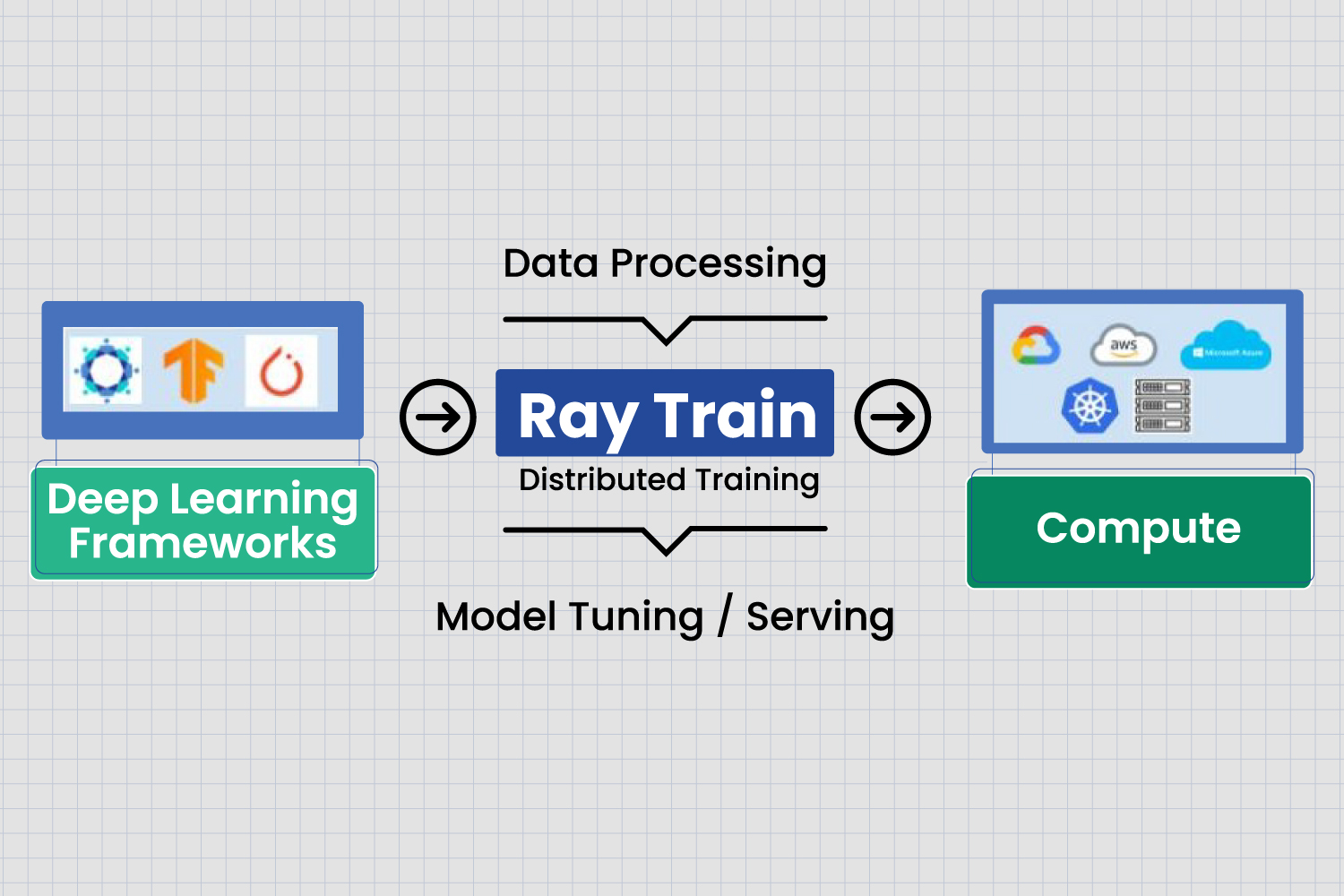
I want to try a language model next and find out where this approach starts to struggle. Ray Train has a Hugging Face Transformers integration to look at, but I still need to check which parts fit this mixture of hardware.
There are other Ray components I may use as the project grows: Ray Data for loading data, Ray Train for training jobs, Ray Tune for parameter searches, and Ray Serve for deployment. For now, I want to measure the training setup before adding more pieces.
Working with the hardware I had
Ray made it practical to coordinate the hardware I had at RC. I still had to handle the differences between devices, but I could do that within the workers and keep the main training loop fairly small.
It was satisfying to see my MacBook contributing alongside Mercer and Crosby. I started out looking for more compute and ended up with a project about how to share work across machines that weren’t designed as one system.
The code is available if you have a similar collection of hardware and want to try it.